
Cybersecurity Best Practices: Your Complete Guide to Staying Safe Online in 2025
Last month, a small business owner I know lost $47,000 in a single phishing attack. Her email was compromised, her banking credentials stolen, and her customer data exposed. The worst part? It could have been prevented with basic cybersecurity best practices that take less than an hour to implement.
You’re probably reading this because you’ve heard one too many horror stories about data breaches, ransomware attacks, or identity theft. Maybe your company just experienced a security scare, or perhaps you’re simply tired of feeling vulnerable every time you log into your bank account. Whatever brought you here, you’ve made the right decision to take your digital security seriously.
The internet has become increasingly dangerous. Cybercriminals are more sophisticated than ever, and the average person faces dozens of potential security threats every single day. But here’s the good news: protecting yourself doesn’t require a computer science degree or expensive software. It requires knowledge, discipline, and the right approach to online security tips that actually work.
Understanding Why Cybersecurity Matters More Than Ever
The digital landscape has transformed dramatically over the past few years. We’re not just browsing websites anymore; we’re managing our entire lives online. Banking, shopping, working, socializing, and even controlling our home devices all happen through the internet. Each connection represents a potential vulnerability that hackers can exploit.
According to recent industry reports, cyberattacks occur every 39 seconds on average. That’s roughly 2,244 attacks per day. Small businesses are hit especially hard, with 43% of cyberattacks targeting companies with fewer than 250 employees. The financial impact is staggering. The average cost of a data breach for a small business exceeds $200,000, and 60% of small companies go out of business within six months of a cyberattack.
These aren’t just statistics. They represent real people who lost their savings, businesses that closed their doors, and families whose personal information ended up on the dark web. The question isn’t whether you’ll be targeted, it’s when and whether you’ll be prepared when it happens.
The Foundation: Password Security That Actually Works
Let’s start with the most critical element of internet safety: your passwords. I know you’ve heard this advice a million times, but password security remains the weakest link in most people’s digital defenses. The problem isn’t that people don’t know they should use strong passwords; it’s that they don’t understand what that really means or how to manage them practically.
Here’s what effective password security looks like in practice:
Create truly unique passwords. Not “Password123!” or your dog’s name with a number at the end. A strong password contains at least 12 characters mixing uppercase letters, lowercase letters, numbers, and special symbols. Better yet, use passphrases like “Coffee$Sunrise#Mountain92” that are both strong and memorable.
Never reuse passwords across accounts. This is where most people fail. When hackers breach one website, they immediately try those stolen credentials on hundreds of other sites. If you use the same password for your email, banking, and social media, one breach compromises everything.
Implement a password manager immediately. Stop trying to remember dozens of complex passwords. Tools like Bitwarden, 1Password, or LastPass generate and store unique passwords for every account. You only need to remember one master password, and the software handles the rest. This single step eliminates the temptation to reuse passwords and makes strong security effortless.
Enable two-factor authentication everywhere possible. Even if someone steals your password, two-factor authentication (2FA) adds a second verification step, typically through your phone or an authenticator app. This simple addition blocks approximately 99.9% of automated attacks.
Cyber Attack Prevention Through Smart Digital Behavior
Preventing attacks before they happen requires understanding how cybercriminals operate. They’re not mysterious hackers in dark hoodies typing furiously on multiple keyboards. They’re opportunistic criminals looking for easy targets who make predictable mistakes.
Phishing remains the most common attack vector, accounting for roughly 90% of data breaches. These scams have evolved beyond the obvious “Nigerian prince” emails. Modern phishing attempts look professional, use legitimate company logos, and create urgent scenarios that bypass your rational thinking.
Recognize the warning signs that you should always verify before clicking:
Unexpected messages requesting immediate action, especially involving money or account verification. Legitimate companies rarely demand urgent responses through email. Slight misspellings in email addresses or website URLs. “micr0soft.com” instead of “microsoft.com” or “support@amaz0n.com” instead of the real domain. Generic greetings like “Dear Customer” instead of your actual name. Real companies use personalized communications. Requests to click links or download attachments, especially from unfamiliar senders.
When in doubt, contact the company directly using a phone number or website you look up independently, not information provided in the suspicious message. This simple habit prevents the vast majority of phishing attacks.
Data Protection Strategies for Your Personal Information
Data protection extends beyond just passwords and phishing awareness. Your personal information exists in dozens of places online, and each requires specific protection strategies.
Start with your social media presence. Cybercriminals mine social platforms for information they can use in targeted attacks. Your birthday, mother’s maiden name, first pet’s name, and favorite vacation spot are common security questions. Stop broadcasting this information publicly. Review your privacy settings quarterly and limit what strangers can see about you.
Secure your home network properly. Your WiFi router is the gateway to every device in your home. Change the default admin password immediately. These defaults are published online and known to attackers. Create a strong WiFi password using the same principles as your account passwords. Enable WPA3 encryption if your router supports it, or at minimum WPA2. Consider creating a separate guest network for visitors and smart home devices, isolating them from your main computers and phones.
Be strategic about public WiFi usage. Those free coffee shop networks are convenient but dangerous. Avoid accessing banking, shopping, or other sensitive accounts on public WiFi unless you’re using a Virtual Private Network (VPN). A VPN encrypts all your internet traffic, making it unreadable to anyone monitoring the network.
Building a Comprehensive Security Stack
Effective cybersecurity requires multiple layers of protection working together. Think of it like home security: you don’t just lock the front door, you also lock windows, install motion sensors, and maybe add cameras.
Antivirus and anti-malware software serves as your first line of defense against malicious programs. Modern solutions like Norton, Bitdefender, or Malwarebytes detect and block threats in real-time. Keep this software updated constantly, as new threats emerge daily.
Regular software updates might seem annoying, but they patch security vulnerabilities that hackers actively exploit. Enable automatic updates for your operating system, browsers, and applications whenever possible. That update notification isn’t just adding new features; it’s closing security holes.
Backup your data religiously. Ransomware attacks encrypt your files and demand payment for the decryption key. If you have recent backups stored separately, you can simply restore your data and ignore the criminals. Follow the 3-2-1 rule: three copies of your data, on two different types of media, with one copy stored offsite or in the cloud.
Email filtering and spam protection blocks malicious messages before they reach your inbox. Most email providers offer robust filtering, but you need to actually use it and train it by marking suspicious emails as spam.
Comparing Security Approaches: What Works and What Doesn’t
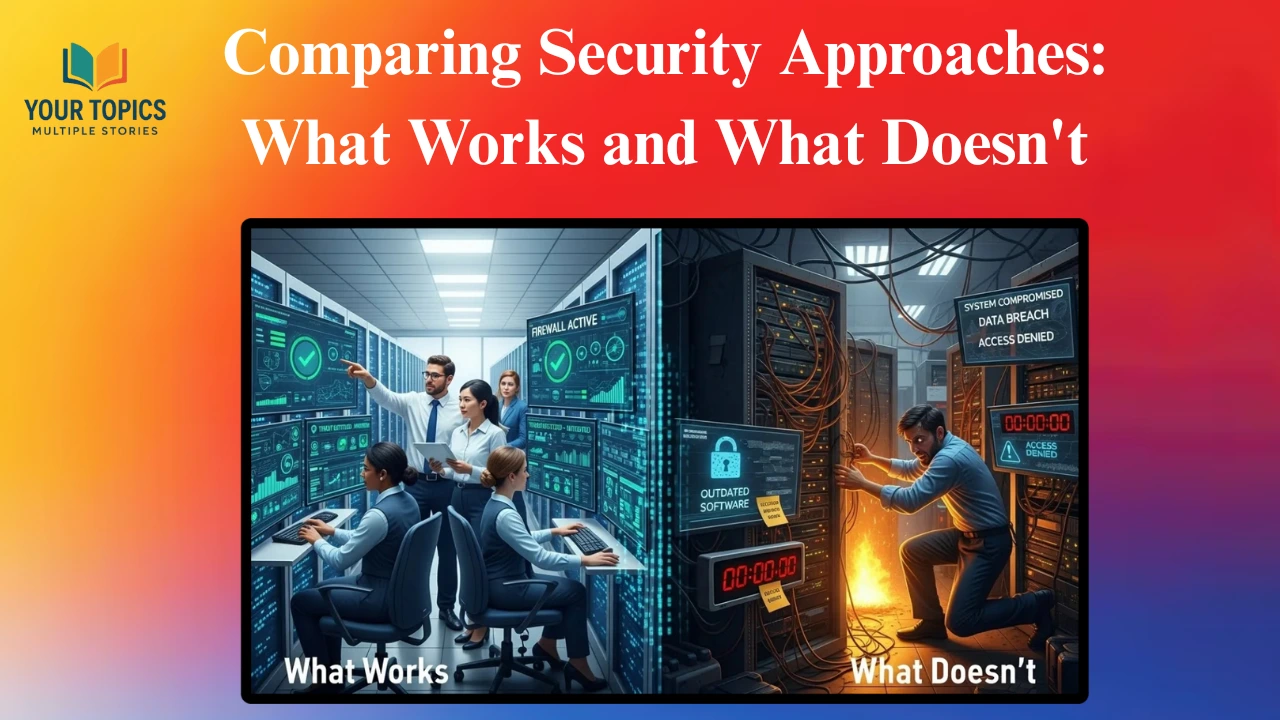
Not all security advice is created equal. Let’s look at what actually protects you versus what creates a false sense of security.
Effective: Password managers with unique passwords for every account Ineffective: Writing passwords in a notebook or using variations of the same password
The password manager approach scales infinitely and provides genuine protection. The notebook method creates a single point of failure, and variations like “Facebook123” and “Twitter123” are easily cracked once one password is known.
Effective: Two-factor authentication using authenticator apps or hardware keys Ineffective: SMS-based two-factor authentication or security questions
SMS messages can be intercepted through SIM swapping attacks. Security questions are easily answered through social media research. Authenticator apps and hardware keys provide much stronger verification.
Effective: Skepticism and verification of unexpected requests Ineffective: Trusting messages because they look professional
The most sophisticated phishing attacks look completely legitimate. Always verify through independent channels when something requests action, especially involving money or credentials.
Practical Implementation: Your 30-Day Security Transformation
Transforming your cybersecurity doesn’t happen overnight, but you can make substantial progress in one month with focused effort.
Week 1: Foundation building. Install a password manager and begin migrating your most critical accounts with unique, strong passwords. Start with email, banking, and any accounts containing financial or sensitive personal information. Enable two-factor authentication on these accounts.
Week 2: Network and device security. Secure your home WiFi network with a strong password and current encryption. Update all devices and enable automatic updates. Install antivirus software and run a complete system scan.
Week 3: Expand protection. Continue migrating remaining accounts to unique passwords in your password manager. Review and tighten social media privacy settings. Set up automatic backups for your important files.
Week 4: Maintenance and education. Create a quarterly security review schedule. Educate family members or employees about phishing awareness. Test your backups to ensure they work properly.
Frequently Asked Questions About Cybersecurity
What’s the single most important thing I can do for cybersecurity?
Enable two-factor authentication on every account that supports it, especially email and financial accounts. This one step prevents the vast majority of account takeovers even if your password is compromised.
How often should I change my passwords?
With a password manager and unique passwords for every account, you don’t need to change passwords regularly unless you suspect a breach. Focus on creating strong, unique passwords from the start rather than rotating weak passwords frequently.
Is free antivirus software good enough?
Free antivirus provides basic protection, but paid versions typically offer additional features like ransomware protection, VPN services, and advanced threat detection. For most people, a reputable free antivirus combined with smart browsing habits provides adequate protection.
How do I know if my information has been compromised in a data breach?
Use services like Have I Been Pwned to check if your email address appears in known data breaches. This free tool monitors billions of breached accounts and alerts you when your information surfaces.
Should I be worried about using my credit card online?
Shopping online with credit cards is generally safe when you use reputable websites. Credit cards offer fraud protection, and you’re not liable for unauthorized charges. Use virtual card numbers when available for additional protection, and avoid debit cards for online purchases since they have weaker fraud protections.
Moving Forward With Confidence

Cybersecurity best practices aren’t about achieving perfect security, which doesn’t exist. They’re about making yourself a harder target than the next person. Criminals follow the path of least resistance, targeting people who haven’t taken basic precautions.
The business owner I mentioned at the beginning implemented everything we’ve discussed here after her devastating loss. She hasn’t had a single security incident since, despite operating in the same environment that led to her initial breach. The difference wasn’t luck; it was preparation and consistent application of proven security principles.
You now have the knowledge to protect yourself, your family, and your business. The only question remaining is whether you’ll implement these practices or wait until you become another cautionary tale. The choice is yours, but remember: cybercriminals are working right now to find their next victim. Make sure it isn’t you.